Your process, organized.
Everything you do between ideas and decisions: watchlists, portfolio, alerts, a trading journal and a home screen you arrange yourself.
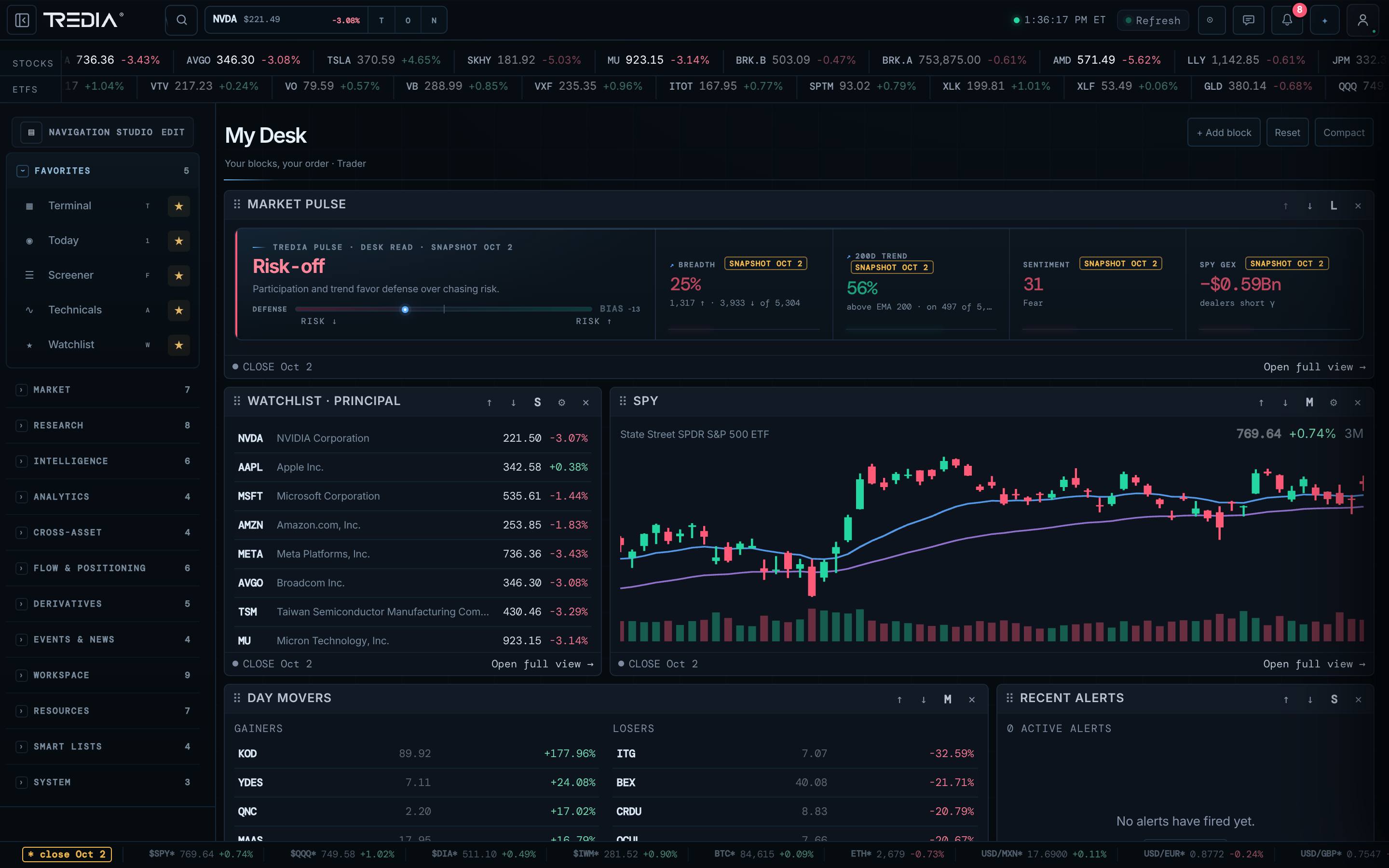
Your watchlists, alerts and journal — in one place.
Watchlists
Multiple lists with the columns you care about, ready to open as a heatmap.
Portfolio
Positions, value versus cost over time and expected dividends, in your display currency.
Alerts
Alerts are evaluated on the server, not in your open tab.
Sage Journal
Log trades, track P&L and expectancy and build your playbook. Journal files stay in your browser.
My Screen
Fifteen blocks in three sizes to build the home screen you open every morning.
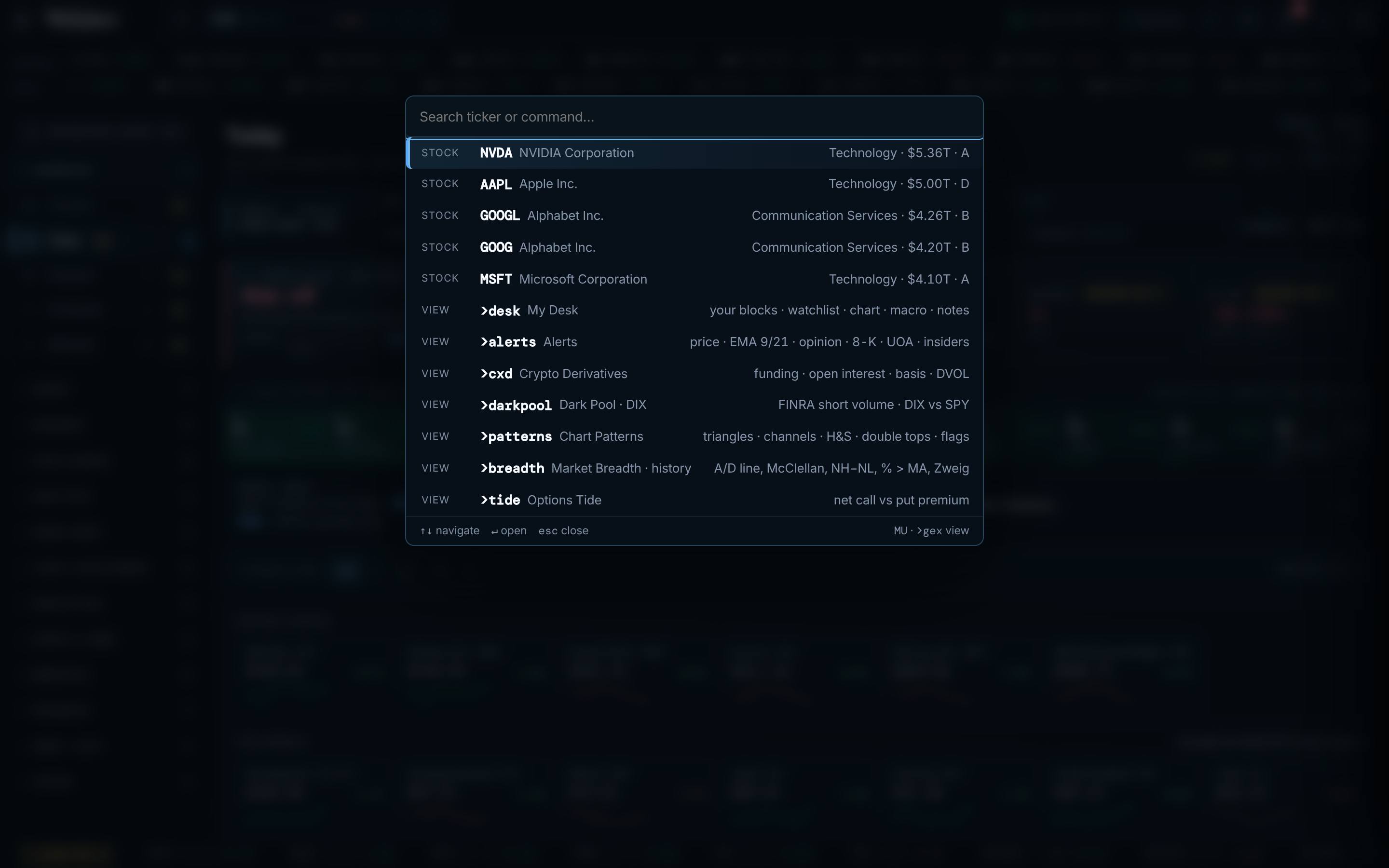
Command palette
Press / and jump to any view or instrument. Focus mode hides everything else.
Where your data lives
Your journal is local-first: its files stay in your browser. Accounts, alerts and synced lists live on our servers so they follow you across devices. We never sell your data.
Status: Available in the beta
Your desk
Does TREDIA connect to my broker?
No. TREDIA is a research terminal; it does not place orders or hold funds.
Can I install it like an app?
Yes — on desktop, iPhone and iPad it installs from the browser.
See the whole market. In one place.
Join the private beta and get your invitation as new seats open.